The best Canva-like tool for badge design in the industry
Use the online badge designer to build content-rich, branded templates with full control and ultimate compliance with brand requirements.
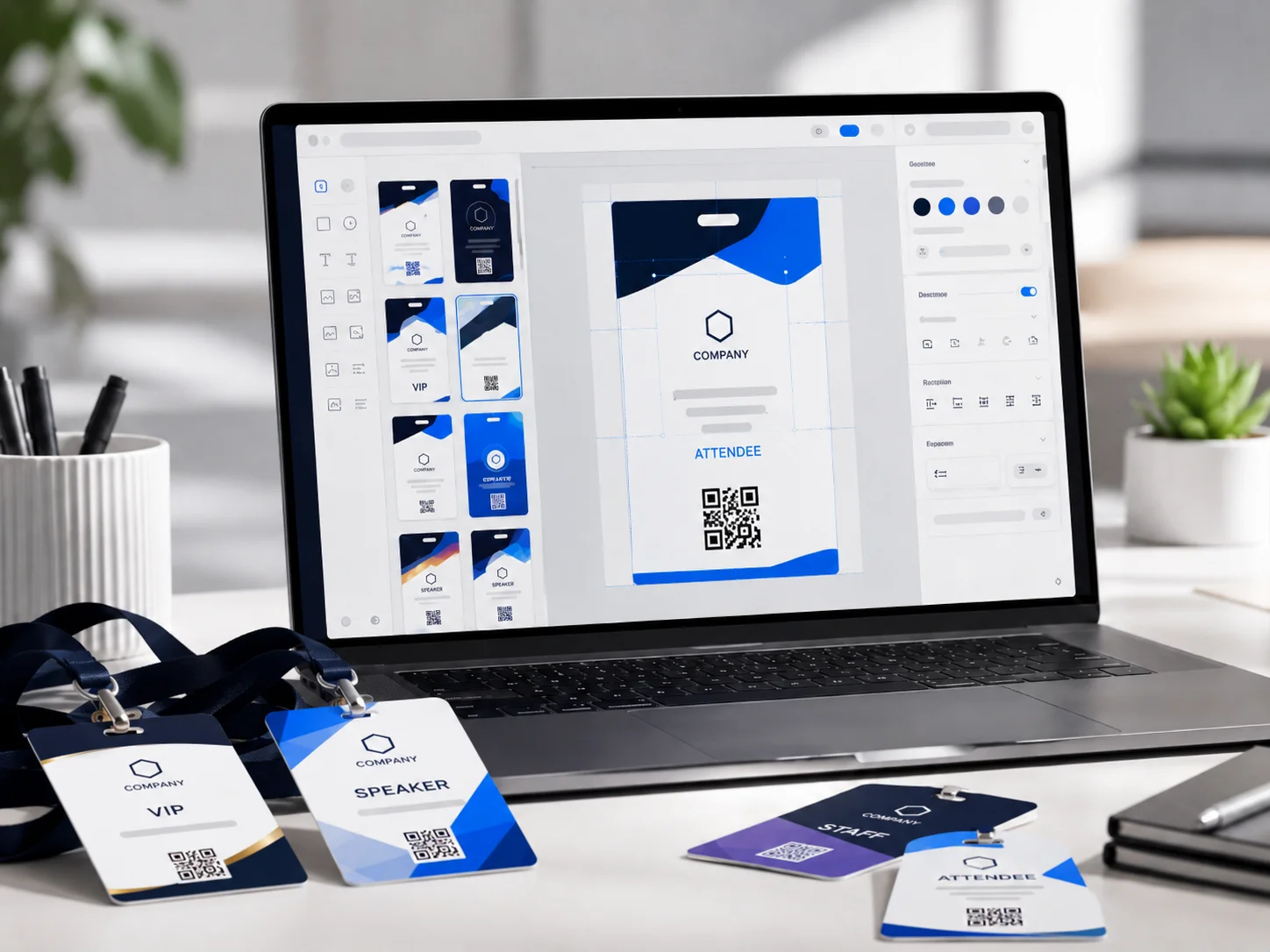
How to set up Badge Design and Configuration
Follow these steps to go from account setup to a live deployment at your event.
- 1
Open the badge designer
Create an account, add your event, and open the designer — pick a badge size, orientation, and media type to get started.
- 2
Build your layout
Drag and drop logos, text blocks, QR codes, and images onto the canvas. Align, layer, and style elements with the Canva-style editor.
- 3
Map dynamic data fields
Connect registration fields — name, title, company, category — so every badge prints with the correct attendee information.
- 4
Publish to printing or pre-print
Save and publish your design to onsite print stations or submit it to the service bureau for pre-printed badge orders.
What Badge Design and Configuration does
Best-of-breed tools that give you time back and make you look like a superstar in front of your clients.
Canva-style editor
Drag, drop, and arrange text, logos, QR codes, and images on a visual canvas — intuitive for any team member.
Highly flexible templates
Start from presets or build from scratch. Support any badge size, orientation, and field layout your event requires.
Dynamic data fields
Map registration fields to badge elements so every attendee prints with the right name, title, and category.
Professional output
Full-color, high-resolution designs ready for onsite print-on-demand or pre-printed service bureau orders.
Works well with
Event Data Management
Sync real-time registration data from leading event platforms via open API and flexible integrations.
Learn moreBadge Printing
Print full-color badges on demand from any device to any printer, across distributed stations anywhere.
Learn moreService Bureau
Design online and order pre-printed badges, cards, and passes produced and shipped in days.
Learn moreYour event badge space to do it all. Your way. Offsite or onsite.
One platform to manage every event credential requirement — design, print, check in, capture leads, and ship badges, however and wherever you want.