Wallet passes and digital credentials for every attendee
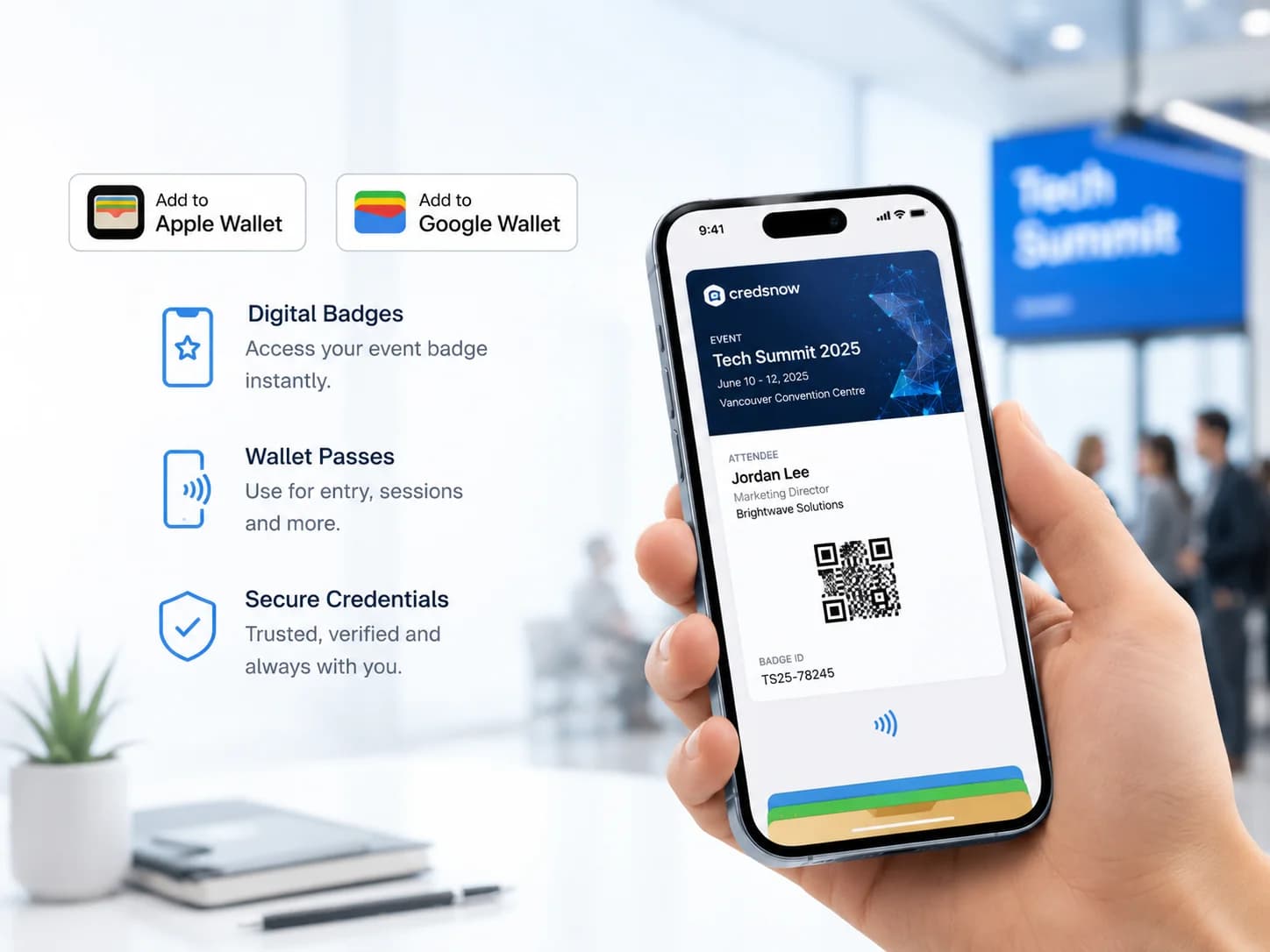
Deliver digital badges and wallet passes alongside — or instead of — physical badges. Attendees carry their credential on their phone for the whole event.
How to set up Digital Badges
Follow these steps to go from account setup to a live deployment at your event.
- 1
Configure digital badge delivery
Enable wallet passes in your event settings and link them to your badge design template.
- 2
Deliver passes to attendees
Send Apple Wallet and Google Pay passes by email or make them available through the attendee portal.
- 3
Use digital credentials onsite
Attendees present their phone at kiosks and session doors for touchless QR scanning.
- 4
Extend credentials beyond the event
Issue durable digital credentials for memberships, certifications, and alumni networks.
What Digital Badges does
Best-of-breed tools that give you time back and make you look like a superstar in front of your clients.
Wallet passes
Apple Wallet and Google Pay passes delivered to every attendee with their credential and QR.
Tap-to-check-in
Attendees present their phone at kiosks and session doors for fast, touchless scanning.
Digital credentials
Issue durable digital credentials that live on after the event for members, alumni, and certifications.
Branded passes
Passes match your event branding and badge design for a consistent experience.
Works well with
Event Check-In
Self-serve kiosks check-in attendees and print badges in seconds via QR or name lookup
Learn moreService Bureau
Design online and order pre-printed badges, cards, and passes produced and shipped in days.
Learn moreSessions & Access
Session scanning, attendance tracking, and access control for every room, track, and VIP experience.
Learn moreYour event badge space to do it all. Your way. Offsite or onsite.
One platform to manage every event credential requirement — design, print, check in, capture leads, and ship badges, however and wherever you want.